Launching the app
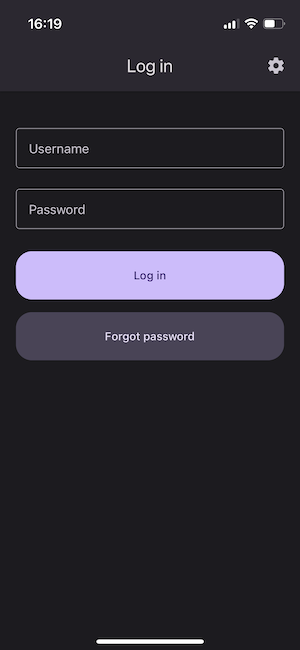
After starting the application, the login screen will appear.
In addition, at the top right of the screen there is a settings icon where you can change the language. Currently available languages are English and Polish. The application will launch with the device's system language by default.
Logging in
After starting the application, a login form is displayed. Enter your username and password in the appropriate fields and press the Log in button.
Forgot password
If you forget your password, select the Forgot password button and enter your username on the next screen. An email with a link to create a new password will be sent to the email address linked with the user.